Captive portal — Neon
Dark navy + blue-neon desktop portal: hero, featured offer, 5-plan mini shop.
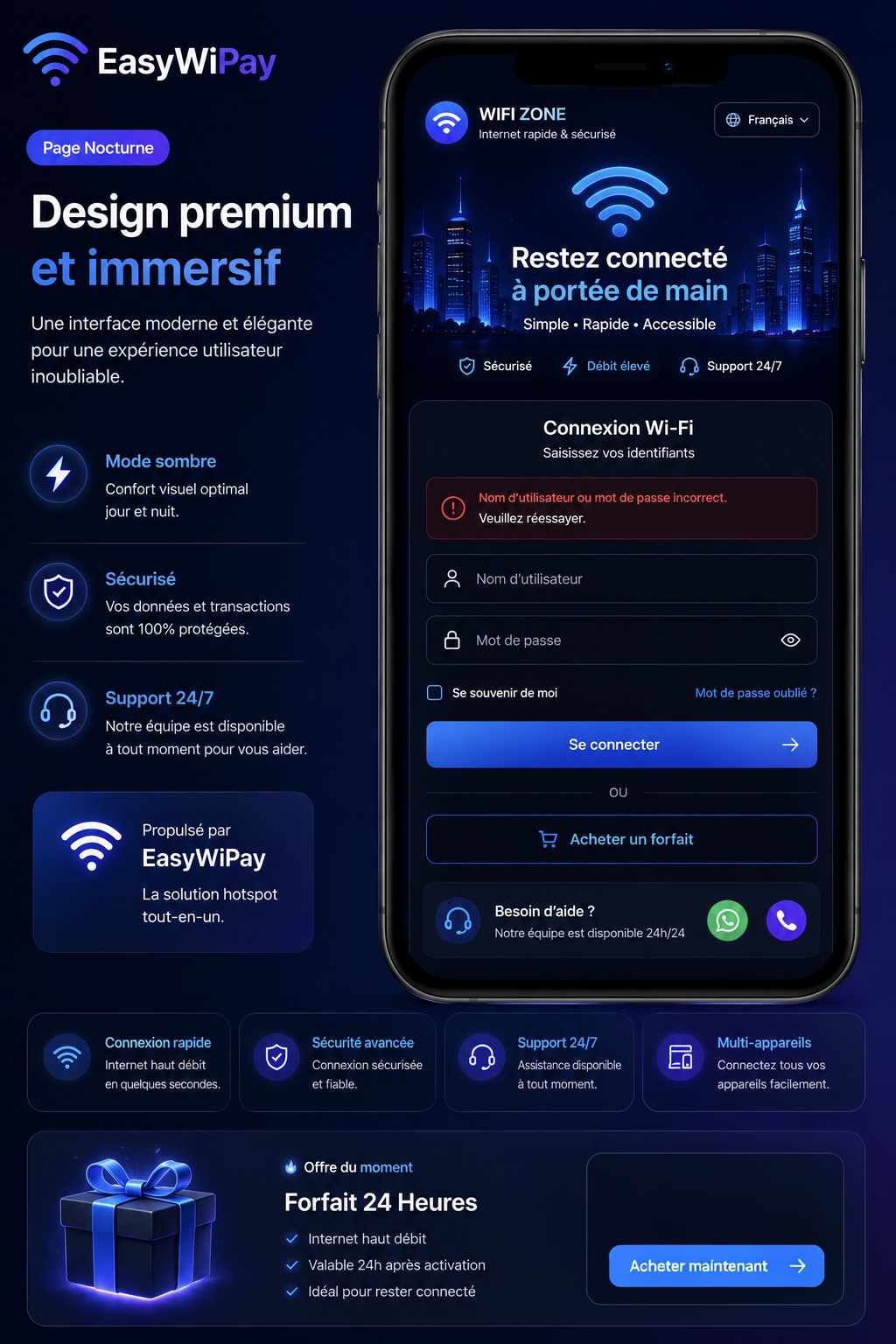
- Full MikroTik page set (login, success, session, logout, errors)
- "Buy a plan" flow wired to EasyWiPay payment links
- Secure http-chap login (password never sent in clear)
- 100% local: works in the walled garden, offline, ~35 KB
- Automatic dark mode, honours "reduced motion"
- 6 branding settings (colour, logo, name, phone, plans) — README included
A ready-made MikroTik captive portal
This kit is a complete Wi-Fi login page (captive portal) for a MikroTik
router: login.html, alogin.html, status.html, logout.html,
error.html and translated errors.txt, in a consistent premium look.
Works with vouchers generated by Mikhmon or RouterOS.
What you get
A .zip folder ready to upload to your router's Files, plus an install
README (RouterOS, walled garden) and 6 branding points (colour, logo, name,
phone, plans).
Install in short
- Upload the folder to
flash/portal/. /ip hotspot profile set [...] html-directory=flash/portal login-by=http-chap,http-pap- Add your EasyWiPay domain to the walled garden for the payment page.
- Customise colour, logo, name and plans (see the
README).
Built-in plan purchase
The portal includes a "Buy a Wi-Fi plan" flow wired to EasyWiPay payment links: the customer pays by Mobile Money (MTN MoMo, Orange Money) and gets their credentials automatically. No manual steps.
Support
A question during install? Reply to the confirmation email, we'll help.